
Clean the Supermarket Common Item Mistakes
The wrong-shelf mistakes that cost you the most time in Clean the Supermarket: colour and flavour variants, the two Cans aisles, the four white powders in Baking, and Meat vs Seafood.
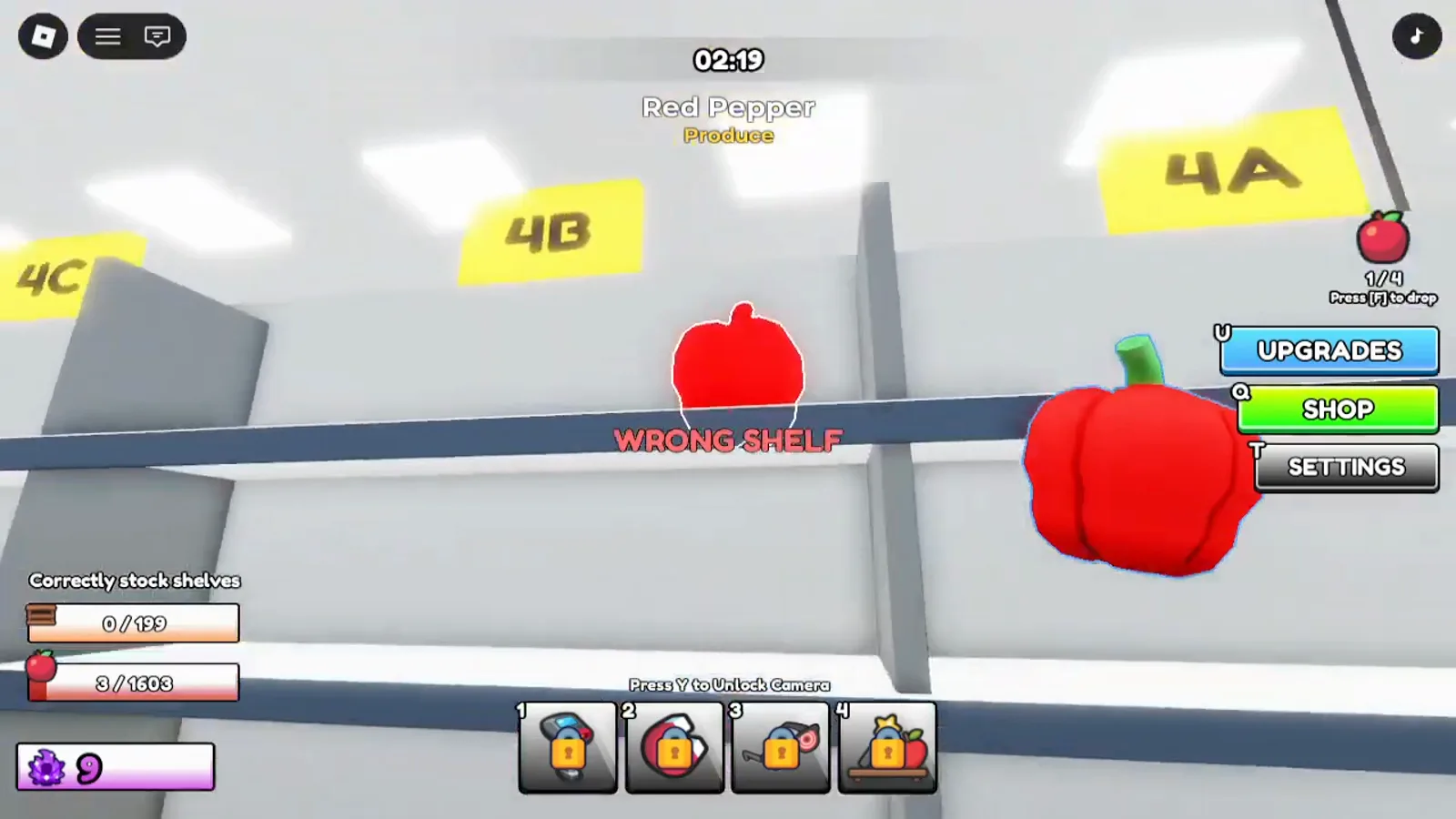
Why items get rejected
Almost every WRONG SHELF message comes down to one rule that is easy to miss: Clean the Supermarket shelves by exact product, not by category. Two bags of the same brand of chips in different colours are two different items with two different shelves. Get that wrong and you pay for the walk twice.
The other half of the problem is that several aisles cover overlapping ground. There are two aisles called Cans and two called Snacks, and Meat and Seafood are separate aisles rather than one. Below are the pairs that catch people out most.
Colour and flavour variants
This is the big one, and it applies across the whole store.
- Crispo Super Spicy (Green) and Crispo Super Spicy (Red) are separate items on separate shelves in aisle 3 Snacks.
- Cup Ramen (Red) and Cup Ramen (Yellow) each have their own shelf in aisle 5 Cereal & Pasta.
- Apple and Green Apple are different items in aisle 7 Produce.
- Milk and Chocolate Milk are different items in aisle 11 Dairy.
- Peanut Butter and Crunchy Peanut Butter are different items in aisle 4.
If a placement is rejected and you are certain about the aisle, check that you are not holding a variant of the product you think you have.
The four white powders in aisle 6
Aisle 6 Baking is the single most error-prone aisle in the store, because four of its items look nearly identical lying on the floor:
- Flour
- Sugar
- Powdered Sugar
- Cornstarch
Add Brown Sugar, Baking Soda and Baking Powder and you have seven bags and tubs that all read as "white baking thing" at a glance. Baking Soda and Baking Powder in particular have near-identical packaging. There is no shortcut here — read the label before you walk.
Two aisles called Cans
The store directory lists aisle 1 and aisle 2 both as Cans, with different contents:
- Aisle 1 — Cans: Canned Goods, Jam
- Aisle 2 — Cans: Soup, Canned Goods, Candy
So a tin rejected by one is usually accepted by the other. Soups live in aisle 2, and each flavour is its own shelf: Tomato Soup, Mushroom Soup, Pumpkin Soup and Green Pea Soup do not share.
Two aisles called Snacks
Same pattern, aisles 3 and 4:
- Aisle 3 — Snacks: Chips, Cookies
- Aisle 4 — Snacks: Snacks, Condiments, Jam — the hanging sign reads Condiments & Snacks
Spreads and sauces such as Ketchup, Mayonnaise, Nutella and Peanut Butter live in aisle 4, not aisle 3. If a snack bounces off aisle 3, try aisle 4 next.
Meat and Seafood are different aisles
- Aisle 9 — Meat: Steak, Bacon, Sausage
- Aisle 10 — Seafood: Fish, Prawn
Fish never belongs in aisle 9. This is a genuine split in the directory, not a judgement call.
Dairy and Beverages look alike
Aisle 11 Dairy and aisle 12 Beverages are full of similar cartons and bottles. Juice is aisle 12; milk is aisle 11. One player's trick is worth stealing: clear one of the two aisles completely, and everything left that looks like a carton must belong to the other.
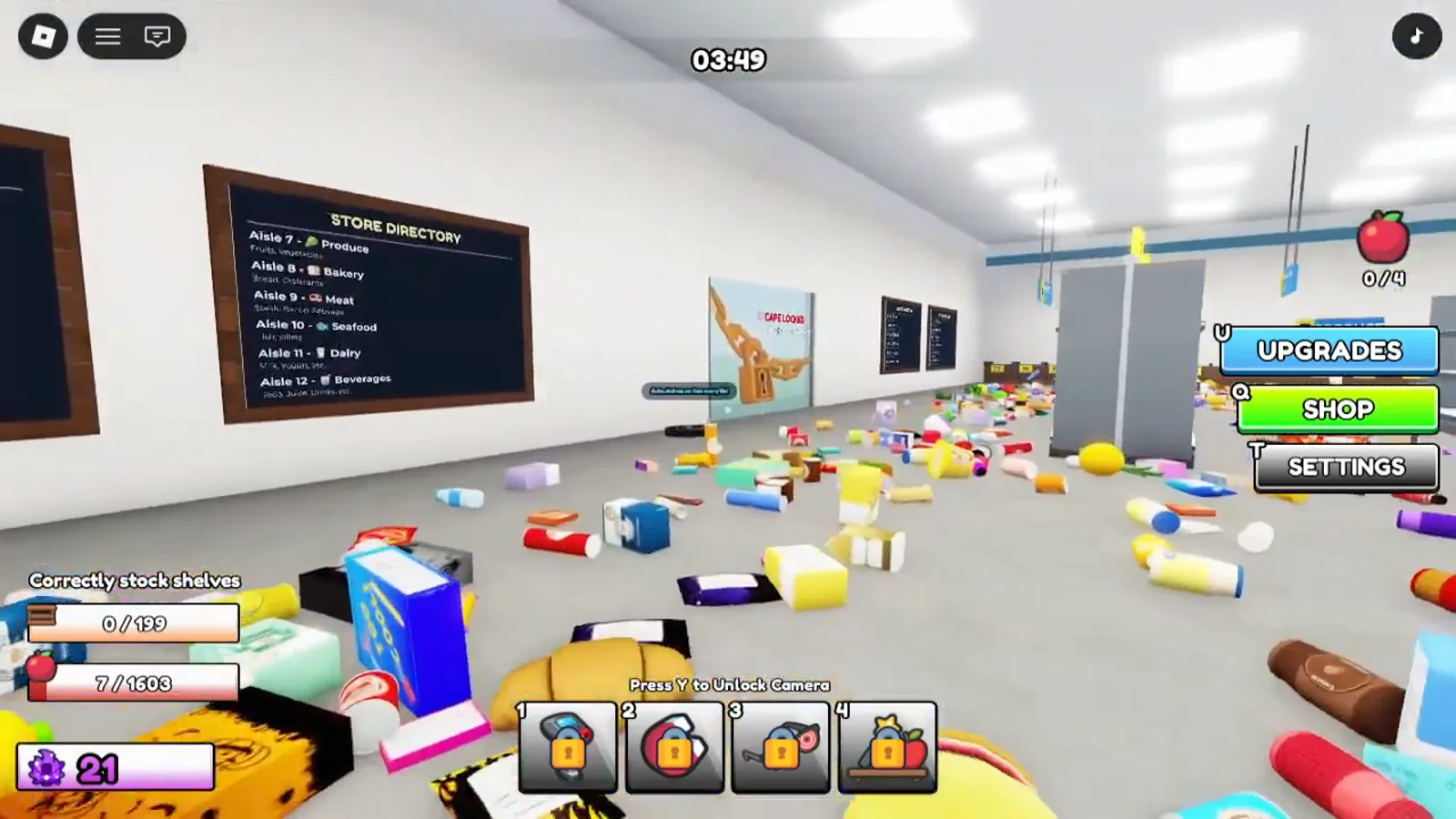
The fastest way to stop guessing
Buy the X-Ray ability. It highlights the correct shelf for whatever you are holding, which turns every one of the pairs above into a non-issue. Until then, when an item lies on the floor the game prints its category underneath its name — that alone tells you which aisle to head for.
Use the Item Locator if you want to look something up without leaving the game, or browse the full aisle list to learn the twelve aisles by number.