
Fastest Way to Sort Items in Clean the Supermarket
A practical Clean the Supermarket speed guide: start with the biggest items, buy the Price Scanner first, batch your cart by aisle for the Auto Stacker, and leave Beverages until last.
The bottleneck is finding, not walking
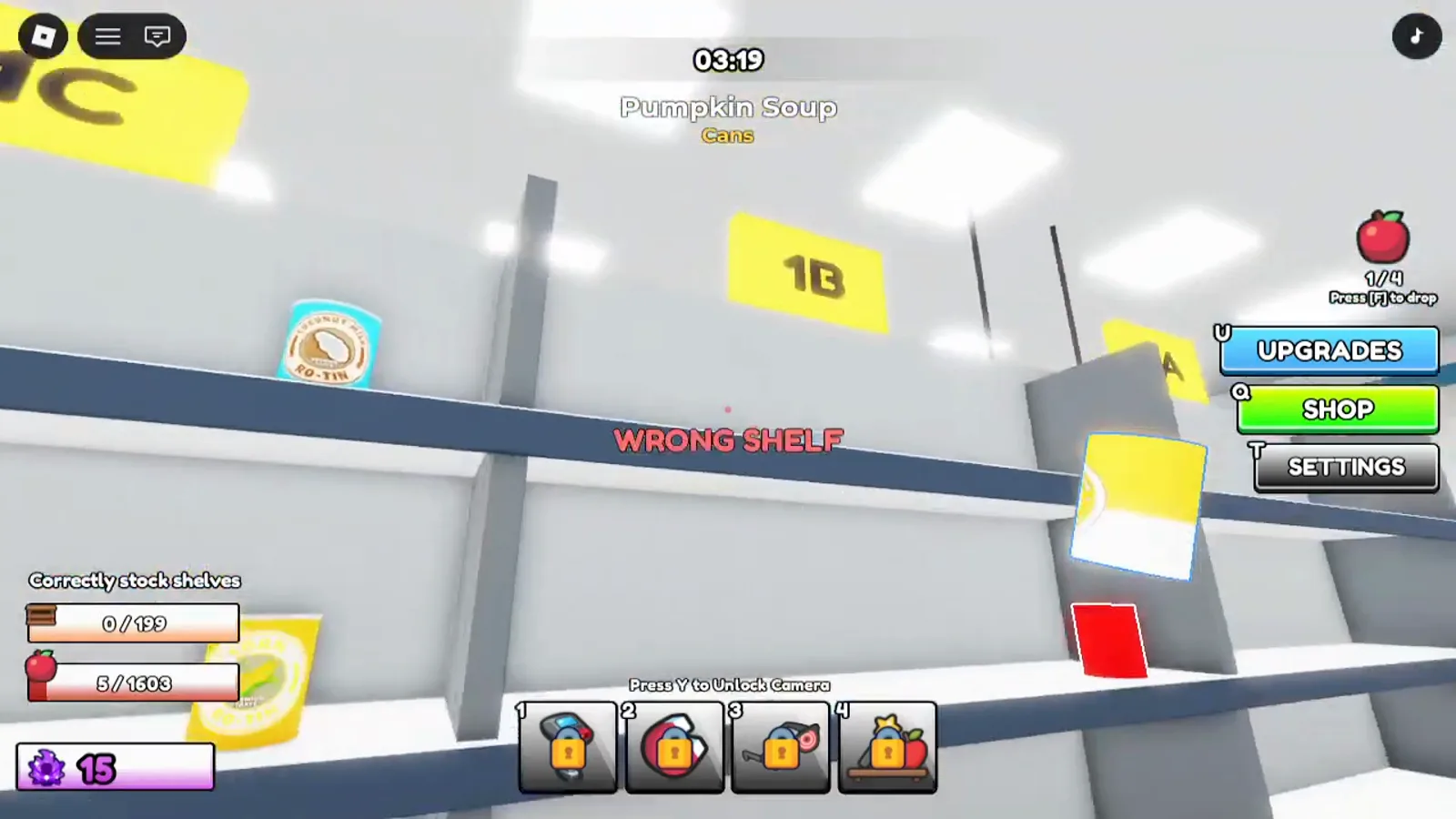
A full store is 199 shelves and 1603 items. That number is the whole reason speed guides for this game look the way they do: the expensive part of a shift is not the distance between aisles, it is identifying what you are holding and locating the one shelf it belongs to.
Every recommendation below follows from that. Anything that removes a search beats anything that shortens a walk.
Start with the biggest items
The most repeated tip among experienced players, and the easiest to act on immediately: open with Bakery.
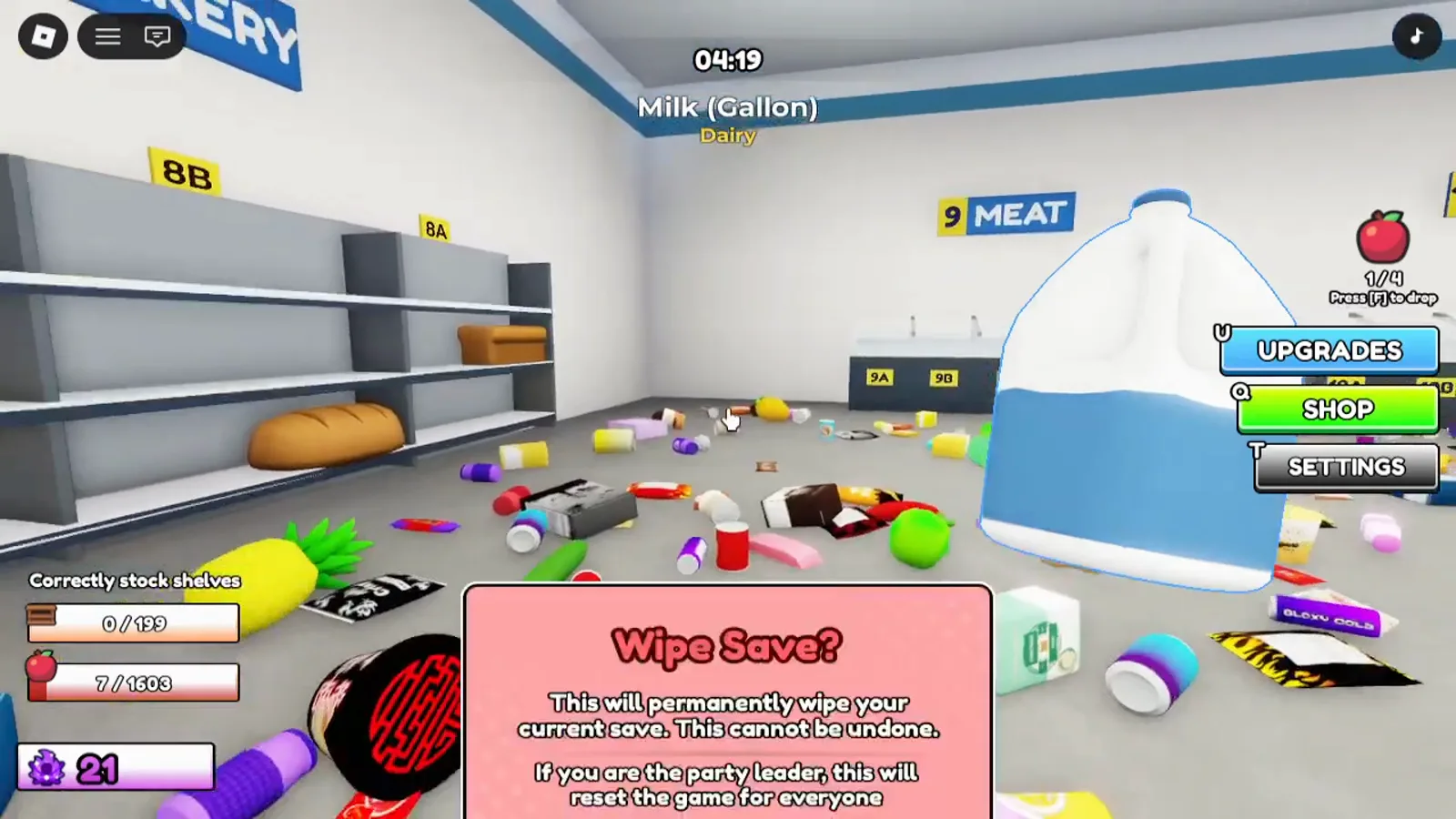
Bakery items are physically enormous. A bread loaf is one of the largest objects in the game, which makes it trivial to pick out of a floor covered in mess, and a single loaf can complete a shelf on its own. Aisle 10 Seafood is the same story — one fish can finish a shelf. Aisle 9 Meat is close behind.
That gives you a natural opening order:
- Aisle 8 Bakery — loaves, baguettes, croissants
- Aisle 10 Seafood — whole fish are unmissable
- Aisle 9 Meat — cured meats have distinctive shapes
- Aisle 7 Produce — big, colourful, but it rolls
Completed shelves are what pay, so front-loading the aisles with the largest items gets your points curve moving early, which funds your first ability sooner.
Leave Beverages until you have abilities
The mirror image of the rule above. Aisle 12 Beverages is the worst aisle to open with. The bottles are small, there are a lot of shelves, and they are hard to tell apart at a distance. Aisle 3 Snacks has a similar problem for a different reason: chip bags are flat and blend into the floor.
Both become manageable once you can highlight things. Until then, spend your time where the items are big.
Buy the Price Scanner first
The Price Scanner highlights every item identical to the one you are looking for. In a room with 1603 objects, that is the single biggest time saver available, and it is why most guides name it as the first purchase.
The usual sequence from there:
- Price Scanner — find every copy of a product at once
- X-Ray — highlights the correct shelf for what you are holding
- Items Held — more per trip, so fewer return walks
- Movement Speed — shortens trips you are already making
Movement Speed is genuinely good; it is just last, because it improves a part of the loop that was never your bottleneck. Full reasoning is on the upgrade order page.
Batch your cart by aisle
This one is worth doing even before you own anything, and it becomes essential afterwards.
The Auto Stacker ability shelves the matching items you are carrying, but it matches on aisle category rather than exact product. Fill your cart with a mixed load and it does almost nothing. Fill it from a single aisle and one press clears the lot.
This is also the argument against the Magnet, which pulls in whatever is physically nearest regardless of category — it actively works against batching. Several guides recommend skipping it.
Do not fight the spawn system
Items appear progressively. As you pick things up and shelve them, more items emerge from the floor. If a shelf is one item short and you cannot find the last one, the item most likely has not spawned yet.
Go clear a different aisle for a couple of minutes and come back. Searching harder does not make it appear; shelving other things does. There is a fuller walkthrough in how to find the last item.
Learn the twelve aisles by number
The store directory by the entrance lists all twelve, and the numbers hang above every row. Memorising even a few removes a lookup from every pickup:
- 1, 2 — Cans
- 3, 4 — Snacks and condiments
- 5 — Cereal & Pasta
- 6 — Baking
- 7 — Produce
- 8 — Bakery
- 9 — Meat
- 10 — Seafood
- 11 — Dairy
- 12 — Beverages
When an item is lying on the floor, the game prints its category underneath its name, so the mapping above is often all you need. Shelves within an aisle are labelled with the aisle number plus a letter, so 6A is the first shelf of aisle 6.
Play with other people
The single largest speed multiplier is not an upgrade. The store supports 15 players, and clearing times drop sharply with a few friends splitting aisles between them — one guide puts a coordinated clear at around an hour and a half. Agree on who takes which aisle numbers and you avoid two people sweeping the same floor.